Customer Journey Orchestration: A Guide for Florida Businesses

Customer journey orchestration means every lead or customer gets the next right message, at the right time, through the right channel, based on what that person just did. It replaces a fixed schedule of emails and calls with a system that reacts. For a service business in Delray Beach, Boca Raton or Miami, it usually starts with one practical goal: no inquiry goes unanswered, and no customer gets the wrong message.
This guide explains the idea without jargon, shows what it looks like in a small business, and lists what you need in place before it works.
TL;DR
- Orchestration is a system that decides the next message for each person based on their behavior, instead of sending everyone the same sequence.
- It needs three things: one place where customer activity is recorded, channels to reach people (email, text, phone), and rules for what happens next.
- Mapping a journey describes what happened. Orchestration acts on it while it is happening.
- Most small service businesses should start with lead follow-up on a website and CRM that already work together.
- Measure it with a few numbers: how many leads finish the sequence, how many book, and how long it takes.
Table of Contents
- What customer journey orchestration means
- How it works in five steps
- Orchestration vs. mapping vs. campaigns
- What it looks like at a South Florida service business
- What you need in place first
- Start with lead follow-up
- Common problems and how to avoid them
- How to measure whether it works
- Our perspective
- How we can help
- Frequently asked questions
- Sources
What customer journey orchestration means
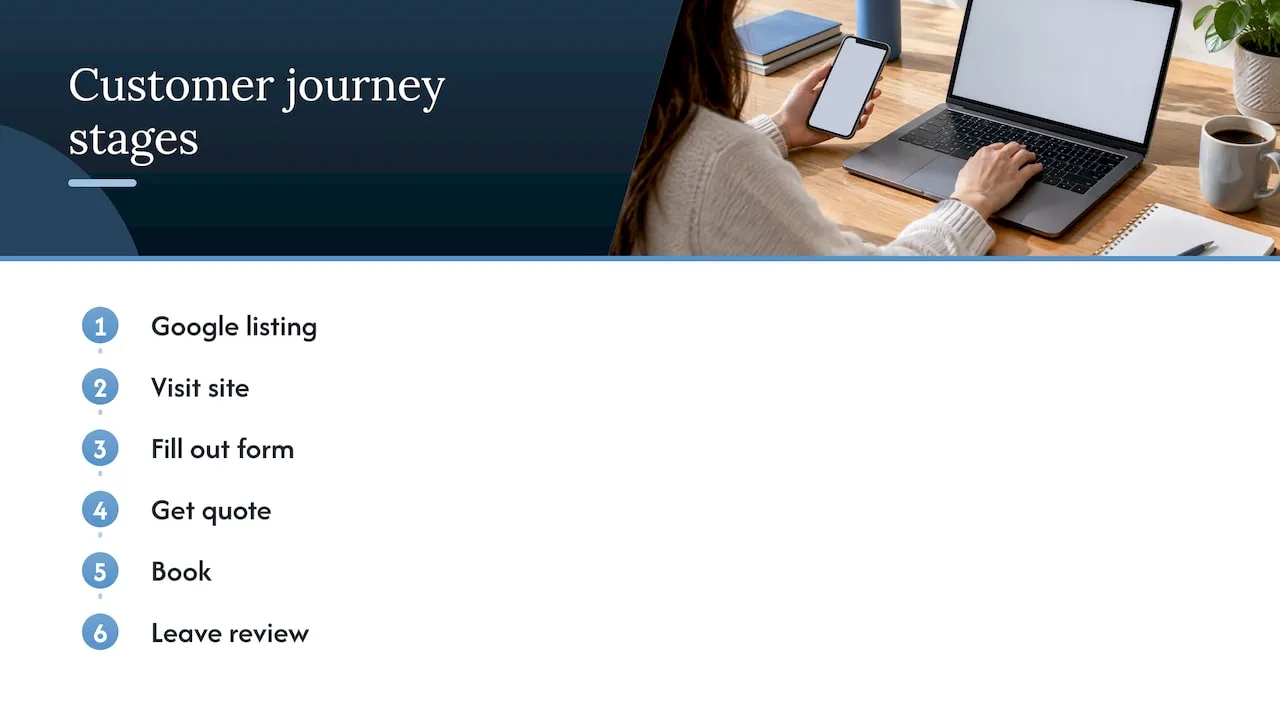
A customer journey is everything a person does between first hearing about you and becoming a repeat customer. They see a Google listing, visit your site, fill out a form, get a quote, book, and later leave a review.
Orchestration is the coordination of those steps. TechTarget describes it as the real-time coordination of customer experiences across channels, using what you learn about a person to trigger communications that fit them. The key word is real time. The system watches what someone does and responds, rather than waiting for the next scheduled campaign.
A simple way to picture it: a front desk person who remembers every call, email and visit, and never lets two staff members contact the same client with conflicting messages. One vendor explains the same idea as an air traffic controller for communications, preventing conflicting messages and messages sent at the wrong time.
You do not need a large company to benefit. The same logic applies when a roofing contractor in West Palm Beach wants a new inquiry answered within minutes, or a real estate agent wants a buyer who viewed three listings to hear about a fourth.
How it works in five steps
The process is the same whether you run a dental practice or a pool service. Adobe outlines the core pattern: bring touchpoint data into a unified view, analyze behavior as it happens, deliver personalized experiences across channels, use automation to improve, and keep adjusting. In plain terms:
- Collect activity in one place. Form fills, phone calls, email clicks, page visits and bookings all land in one customer record.
- Recognize what the person did. A visit to your pricing page means something different from a visit to your careers page.
- Decide the next step. Send a text, send an email, alert a salesperson, or send nothing at all.
- Deliver it on the right channel. Some people answer texts. Others only open email.
- Check the result and adjust. If a message does not get a response, change it.
That third step is what separates orchestration from basic automation. One described approach has the system continuously decide three things per person: which message comes next, which channel to use, and whether to send one at all. Sometimes the best message is none.
Orchestration vs. mapping vs. campaigns
These terms get mixed up. The differences matter because they decide what you pay for.
| Approach | What it does | When it acts | Good for |
|---|---|---|---|
| Journey mapping | Documents the steps customers take and where they get stuck | Once, as a planning exercise | Finding gaps in your process |
| Campaign | Sends a planned set of messages to a group | On a schedule you set in advance | Promotions, seasonal offers |
| Journey management | Uses tools to move prospects through your funnel | Usually not in real time, per TechTarget | Steady, predictable follow-up |
| Orchestration | Chooses the next step for each person based on current behavior | As each person acts | Lead follow-up, onboarding, re-engagement |
One way to say it: mapping records what happened, while orchestration decides what should happen next. A map is worth making first. It shows where leads drop off. Orchestration is what fixes the drop-off.
What it looks like at a South Florida service business
The following is an illustration, not a client case. Take a home remodeling company in Fort Lauderdale.
Without orchestration. A homeowner fills out the quote form at 8 p.m. on Saturday. The form emails the owner, who sees it Monday afternoon. The homeowner has already called two other contractors. A week later, a generic newsletter arrives.
With orchestration.
- Within a minute, the homeowner gets a text and an email confirming the request and asking one question: kitchen or bathroom?
- Their answer sends them down the right path, with photos of that type of project.
- If they open the email but do not book, a salesperson gets an alert Monday morning with the homeowner’s answers already in the record.
- If they book a visit, reminders go out and the follow-up sequence stops. No one asks a booked customer to “request a quote” again.
- After the job, a review request goes out. Six months later, a maintenance check-in.
None of this requires a large marketing department. It requires a website that captures the right information and a system that acts on it.
The same idea shows up in retail. One published case describes abandoned-cart messaging across email, text and app, with the channel chosen by each shopper’s subscription status and timing. A real estate agent in Boca Raton can apply the same logic to a buyer who saved several listings and then went quiet.
What you need in place first
Before any orchestration works, three pieces have to exist.
One record per customer
If your website forms, phone log, email tool and spreadsheet each hold a piece of the story, nothing can coordinate them. Adobe says the starting point is a unified view that combines website, app, social and support data. For a small business, that often means a CRM that receives every form submission automatically.
Channels you can actually use
Email and text are the usual first two. Phone alerts to your staff count too. SAS lists web, mobile, email, CRM and social media among the channels that can be coordinated by customer preference. Start with the one or two your customers already respond to.
Rules for what happens next
These are plain decisions you make once: who gets alerted, how fast, what a warm lead receives, and when the sequence stops. Write them on paper first. Most owners already follow them informally. The system makes them happen every time.
A website that feeds the system
A form that asks nothing gives the system nothing to work with. A form that asks service type, timeline and zip code lets you route a lead to the right person and the right message. Page tracking tells you which service pages a visitor read. This is why orchestration starts with the website, not after it.
Start with lead follow-up
If you try to orchestrate everything, you will finish nothing. Pick the moment where you lose the most money. For most service businesses, that is the gap between an inquiry and the first real conversation.
A useful first build has four parts:
- An instant confirmation by text and email.
- Automatic routing of the lead to the right person by service or location.
- A short follow-up sequence that stops the moment the person replies or books.
- An alert to you when a lead has gone quiet after a set number of days.
That is a small orchestration, and it addresses the most common reason a website does not generate leads: the visitor asked and nobody answered quickly enough.
Common problems and how to avoid them
Planning avoids most trouble. A 2021 Journal of Marketing study names three big challenges in connecting channels: getting access to and combining data, attributing results to the right channel, and protecting consumer privacy.
In a small business, that translates into three practical rules.
- Fix disconnected tools first. OpenText notes that systems and teams that do not talk to each other produce duplicate messages, delays and frustrated customers. If a customer gets the same email twice, this is usually why.
- Know where each lead came from. Tag forms and phone numbers by source, such as Google Business Profile, local search or paid ads, so you can see which one pays.
- Respect consent. Collect text permission clearly on the form, and honor unsubscribes in every channel. Ask your attorney about federal and Florida rules on text and email marketing before you launch a sequence, since they cover consent and timing.
How to measure whether it works
Skip the dashboards with 40 charts. Track a handful of numbers. Adobe’s guidance lists journey completion rate, step conversion, channel engagement, time to conversion and drop-off as the standard measures. For a service business, those become:
| Number | What it tells you | Example question |
|---|---|---|
| Response time | How fast a new lead hears from you | Is it under five minutes? |
| Step conversion | Which message gets replies | Does the text or the email work better? |
| Booking rate | How many leads become appointments | Did it rise after the change? |
| Time to conversion | How long a lead takes to book | Is the gap shrinking? |
| Drop-off point | Where leads go silent | After message two? Before the quote? |
Compare the numbers for the month before you start and the months after. Change one thing at a time so you know what caused the result.
Our perspective
We build lead systems for service businesses, and the pattern is consistent. The website is treated as a brochure, the CRM as a contact list, and the follow-up as whatever the owner remembers to do. Orchestration is what happens when those three parts are designed to work as one system.
Our background is in enterprise CRM and lifecycle marketing, building the systems that decide who receives which message and when. Smaller businesses can use the same discipline without the enterprise price tag. The principle is the same: capture the right information on the site, route it correctly, and respond fast.
That is why we write custom-coded websites instead of templates. A template gives you a form. A custom build gives you a form designed around your services, your service areas and your follow-up process.
Our advice: do not buy a tool first. Decide what should happen in the first hour after a lead arrives, then build the website and CRM to make it happen every time.
Jeremy
How we can help
Forefront Industries is a Delray Beach web design studio. We build custom websites for service businesses and the CRM, email and workflow systems behind them, including lead routing and automated follow-up. You can see the full list on our services page: web design and development, email and CRM development, and AI automation and consulting.
Once your site is live, it needs upkeep. Our website maintenance plans are Managed Hosting at $99 per month, Webmaster at $250 per month, and Performance Plus at $750 per month.
Build projects are quoted individually, since the scope depends on your services, your current tools and how many follow-up paths you need.
Frequently asked questions
Is customer journey orchestration only for large companies?
No. Large brands use advanced platforms, but the idea works at any size. A small business can orchestrate the most important path, such as new inquiry to booked appointment, with a CRM, a good website and a few clear rules. Start small and add paths later.
What is the difference between orchestration and marketing automation?
Automation sends a fixed set of messages when something triggers it. Orchestration goes further by choosing the next step for each person based on what they do, including which channel to use and whether to send anything. Automation is often the first building block of orchestration.
Do I need AI to do this?
Not to start. Many vendors describe AI and machine learning as tools for predicting behavior and improving journeys over time, but clear rules cover most small business needs. Add smarter features once the basics produce clean data.
How long does it take to set up?
It depends on your current website and tools. A basic lead follow-up path is a small project. A full set of paths across several services and locations takes longer. We scope it after reviewing what you already have.
Where should a Florida business start?
With your website forms and your response time. Check how fast a new inquiry gets a reply, whether the lead lands in one place, and whether the form asks the questions your team needs. Fixing those three things comes before any new software.
Sources
- What is customer journey orchestration? Examples and more (Adobe)
- What is Customer Journey Orchestration? (TechTarget)
- What is a Customer Journey? (OpenText)
- What is Customer Journey Orchestration? (CSG Insights)
- A guide to customer journey orchestration (Acoustic)
- Adore Me case study (Cordial)
- SAS Customer Intelligence 360 Journey Insights
- Informational Challenges in Omnichannel Marketing (Journal of Marketing, 2021)
- Multi-Step Orchestrated Journey (Adobe Journey Optimizer)
Want to know where your website is losing leads today? Request your free website audit at forefrontindustries.io/website-audit.