Fix UTM Reporting: 3 Parameters, Governance & Platform Tagging for B2B

The right UTM strategy for B2B marketing teams standardizes the three core parameters across every channel, assigns one team to own naming governance, and uses platform auto-tagging where it exists while keeping manual UTMs as a consistent fallback. Every link should carry utm_source, utm_medium, and utm_campaign at minimum. This combination keeps GA4 attribution clean and makes cross-platform reconciliation possible instead of guesswork.
TL;DR:
- GA4 treats UTM values as case sensitive, so LinkedIn and linkedin split into separate report rows; use lowercase values, hyphens, and approved templates.
- Google Ads should use gclid auto tagging with GA4, while manual UTMs provide a fallback when cookies or cross domain sessions disrupt click tracking.
- Give marketing operations one owner for approved naming, unique utm_id values, and prelaunch checks; quarterly audits catch drift before it damages a reporting period.
- Test redirects and shortened links before launch, then confirm GA4 Traffic acquisition shows expected source and medium within a day, since query strings can disappear.
- HubSpot adds its own tracking parameters, so align its automatic tags with the shared naming rules and add explicit UTMs to links shared outside HubSpot.
Table of Contents
- UTM Fundamentals: Parameters, Purpose, and Examples
- Governance and Naming Conventions Your Team Must Adopt
- Platform-Specific Tagging: LinkedIn, HubSpot, and Google Ads
- Implementation Patterns and Reusable Templates for Scale
- Attribution and Analytics: Mapping UTMs into GA4
- Testing and QA Checklist to Keep UTM Data Reliable
- How Forefront Industries Applies UTM Governance
- Why Most Teams Get UTM Governance Wrong
- Get Managed Support for UTM Governance and Attribution
- FAQ
- Sources
- Authoritative Documentation and Platform Guides
UTM Fundamentals: Parameters, Purpose, and Examples
Each UTM parameter answers a specific question about where traffic came from, and GA4 reads each one into a distinct dimension. Getting the basics right prevents most downstream reporting problems.
- utm_source: the platform or publisher sending the traffic, such as linkedin or hubspot.
- utm_medium: the channel type, such as paid-social, email, or cpc.
- utm_campaign: the specific initiative, such as q1-demand-gen.
- utm_term: paid search keyword or audience segment detail.
- utm_content: differentiates ad creative, CTA, or placement variants.
Google’s own guidance recommends always setting the first three and adding utm_id and utm_source_platform to prevent fragmented reporting when several tools touch the same campaign. A well-formed URL looks like https://example.com/demo?utm_source=linkedin&utm_medium=paid-social&utm_campaign=q1-demand-gen&utm_content=carousel-v2, written entirely in lowercase with hyphens separating words within a value.
UTM values are case sensitive, so “LinkedIn” and “linkedin” become two separate rows in GA4 reports. That single inconsistency can split one campaign’s data into fragments that look like two underperforming efforts instead of one solid one. Missing or inconsistent UTMs also populate GA4’s “(not set)” row, which absorbs sessions that should have been attributed to a known source and quietly deflates every channel’s reported performance.
Governance and Naming Conventions Your Team Must Adopt
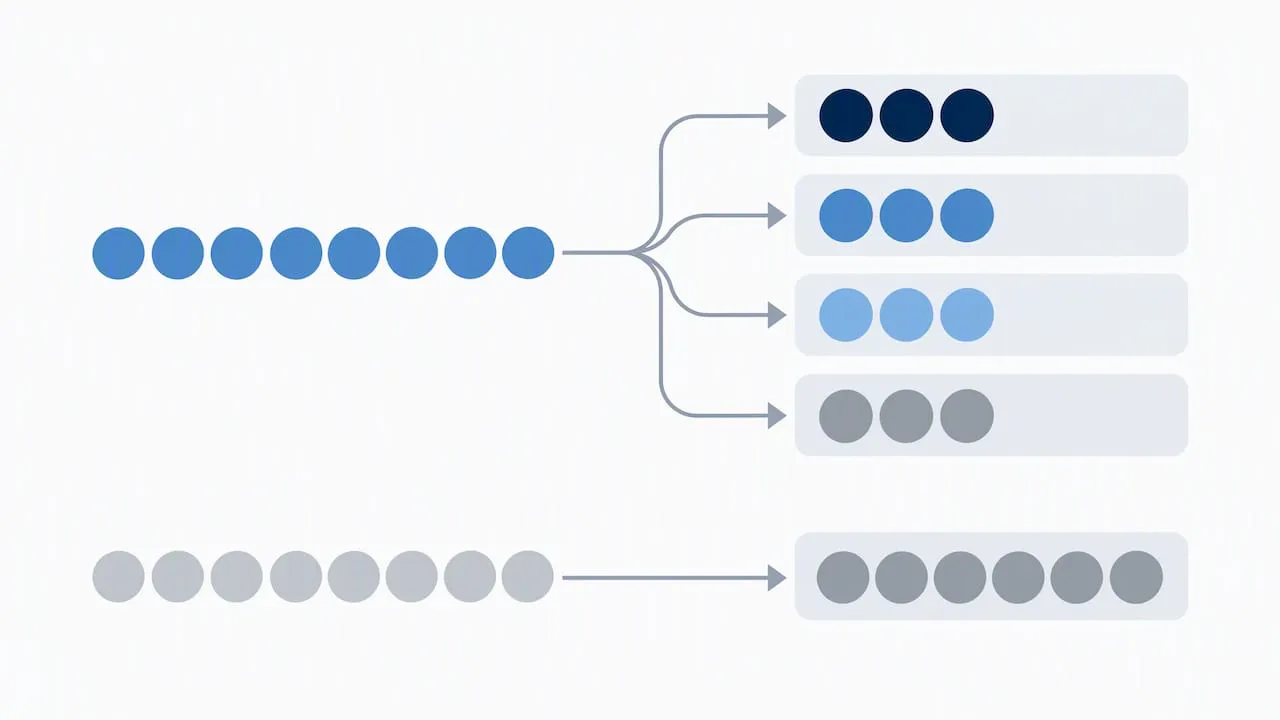
UTM tagging fails less often from bad intentions and more often from no single owner. A marketing operations or growth function should hold the source of truth for naming templates, approve new campaign values before launch, and reject tags that do not match the standard.
- Assign one team as the UTM governance owner, typically marketing ops or a growth function.
- Lock in naming rules: lowercase only, hyphens between words, no spaces or underscores.
- Require a unique utm_id per campaign to avoid duplicate campaign names colliding in reports.
- Ban free-form values; every parameter pulls from an approved list or a templated macro.
- Route every link through one shared URL builder before it goes live.
- Run a quarterly audit comparing live links against the naming standard.
- Train new hires and agency partners on the standard before they publish their first campaign.
Pro Tip: Keep the approved values list in a shared spreadsheet with dropdown validation so nobody types a new source or medium by hand.
Enforcement matters more than the rules themselves. A pre-launch checklist tied to campaign approval, paired with a recurring audit cadence, catches drift before it corrupts a full quarter of reporting.
Platform-Specific Tagging: LinkedIn, HubSpot, and Google Ads
Each major B2B channel handles tagging differently, and a single tagging approach rarely works across all three without adjustment.
- LinkedIn: set utm_source and utm_medium as account-level constants, then override utm_campaign and utm_content at the campaign and ad level using dynamic macros that populate campaign and ad IDs automatically. LinkedIn’s li_fat_id and Conversions API integrations add first-party identifiers that complement UTMs rather than replace them, so manual tags still matter for GA4 reporting.
- HubSpot: HubSpot appends its own auto-tracking parameters to links sent through its tools, which can create a second, inconsistent tagging layer if left unchecked. Align HubSpot’s auto-tags to your UTM naming standard manually, and use explicit UTMs on any link shared outside HubSpot’s own reporting for accurate external attribution.
- Google Ads: prefer auto-tagging with gclid when the account is linked to GA4, since Google’s traffic-source documentation confirms auto-tagging provides more reliable platform-specific dimensions than manual UTMs alone. Still, keep manual UTMs on every ad as a fallback, since gclid-only tracking breaks when cookies are blocked or cross-domain sessions interrupt the chain. Add utm_source_platform or utm_id so Google Ads data reconciles cleanly against LinkedIn and HubSpot exports in the same report.
The pattern across all three: set what you can at the account level, override only what changes between campaigns, and never rely on a single platform’s auto-tracking as the sole source of attribution truth.
Implementation Patterns and Reusable Templates for Scale
Scaling a UTM strategy across dozens of monthly campaigns requires templates that someone fills in rather than writes from scratch each time.
- Store account-level constants (source, medium) separately from campaign-level variables (campaign name, content) in the template.
- Build a macro template such as
utm_source={{platform}}&utm_medium=paid-social&utm_campaign={{quarter}}-{{initiative}}&utm_content={{creative_id}}that creative teams populate from a dropdown. - Keep the master template in a shared Google Sheet linked from the internal wiki, or inside a dedicated URL builder tool that locks parameter order and casing.
- Tie the template to the creative workflow so a new ad variant cannot go live without a completed UTM row attached to it.
- Where platforms support dynamic macros, use them to auto-populate campaign and ad IDs instead of asking a human to copy them by hand.
Pro Tip: Version your template file so you can see exactly when a naming rule changed and roll back if a new convention breaks historical comparisons.
Automating the repetitive parts, account constants, ID insertion, casing, removes the single biggest source of tagging errors: manual entry under deadline pressure.
Attribution and Analytics: Mapping UTMs into GA4
GA4 prioritizes auto-tagging identifiers like gclid when they are present, and falls back to manual UTM parameters when they are not, according to Google’s traffic-source documentation. That same documentation notes that if any UTM parameter is present on a link, GA4 can derive cross-channel dimensions from the UTMs alone, which is why consistent tagging matters even on platforms with their own click IDs.
Adding utm_id and utm_source_platform gives teams a stable join key across ad platforms and CRM campaign records, according to Google’s URL builder guidance, which recommends both parameters specifically to prevent fragmented reporting.
Common mismatches worth watching for:
- Redirect chains that strip query strings before the landing page loads, losing every UTM in the process.
- Session timing gaps, where a user clicks a link, closes the tab, and returns later through a new session that GA4 attributes to direct traffic.
- Cross-domain handoffs, such as a LinkedIn ad landing on a marketing site before redirecting to a separate demo-booking domain, where UTMs can drop unless both domains are configured to pass them through.
When identifiers get lost to these gaps, server-side tracking or a conversions API integration can recover some of what client-side tagging misses, improving match rates between ad platforms and the CRM records that eventually show which campaigns produced real pipeline.
Testing and QA Checklist to Keep UTM Data Reliable
A short pre-launch and post-click routine catches most tagging failures before they cost a reporting cycle.
- Test every macro before launch to confirm it renders the correct values, not placeholder text.
- Click through any redirect in the chain to confirm the query string survives to the final landing page.
- Verify link shorteners preserve full UTM strings rather than truncating them.
- Check URL encoding and total length, since some ad platforms silently truncate overly long URLs.
- After launch, check GA4’s Traffic acquisition report for the expected source and medium values within a day.
- Watch for sudden spikes in “(not set)” rows, which signal a tagging or redirect problem.
- If parameters are stripped mid-chain, trace the issue to the specific redirect or shortener and fix it at the source rather than patching downstream.
Pro Tip: Bookmark your GA4 Traffic acquisition view with a default date range of “yesterday” so catching a tagging break takes seconds, not a weekly report cycle.
How Forefront Industries Applies UTM Governance
We centralize UTM templates in one shared source of truth and map campaign IDs directly into client CRM records, closing the gap between ad spend and sales follow-up.
- One owned template, one naming standard, one CRM mapping per campaign.
- Campaign IDs flow from ad platforms into CRM records automatically, not through manual re-entry.
- Every new campaign passes a pre-launch tagging check before it goes live.
Why Most Teams Get UTM Governance Wrong
Most UTM failures are not technical, they are organizational. Marketing, sales ops, and whichever agency ran last quarter’s campaign all tag differently because no one was ever told not to. The fix starts with naming one owner for the template this week, not with buying a new tool.
Getting buy-in rarely requires a long pitch. Show one stakeholder the “(not set)” row in GA4 and ask them to explain where that traffic actually came from. Nobody can, and that gap makes the case for governance faster than any slide deck.
- Jeremy
Get Managed Support for UTM Governance and Attribution
If your team already knows what the standard should look like but lacks the time to build and maintain it, that is exactly the kind of system work we take on. We build out CRM and email development that maps campaign IDs straight into client records, set up AI automation that keeps tagging consistent without manual re-entry, and handle the web design and development work that gets tracking embedded correctly from the start.

- CRM and email development tied directly to campaign ID mapping.
- AI automation and consulting to reduce manual tagging errors.
- Web design and development with tracking built in from launch.
- Ongoing website maintenance to keep tagging and redirects working as campaigns scale.
If you want a second set of eyes on your current setup, our services overview is the place to start.
FAQ
What is a UTM strategy?
A UTM strategy is a standardized set of rules for tagging marketing links with source, medium, and campaign parameters so analytics tools can attribute traffic correctly. For B2B teams, that means consistent naming, one governance owner, and a mix of auto-tagging and manual UTMs depending on the platform.
What is the rule of 7 in B2B?
The rule of 7 is a marketing principle suggesting a prospect typically needs multiple touches with a brand before converting, though the exact count varies by source and industry. It is a general guideline for campaign frequency rather than a fixed rule validated by a specific dataset.
What are the 5 UTM parameters?
The five standard UTM parameters are utm_source, utm_medium, utm_campaign, utm_term, and utm_content, with Google recommending utm_source, utm_medium, and utm_campaign as mandatory on every link. Extras like utm_id and utm_source_platform help prevent fragmented reporting across platforms.
What is UTM vs GTM?
UTM parameters are tags added to a URL to identify traffic source, medium, and campaign in analytics reports. Google Tag Manager (GTM) is a separate tool for deploying and managing tracking tags and scripts on a website, and the two serve different functions even though they often work together.
Sources
- URL builders: Collect campaign data with custom URLs - Analytics Help
- Traffic-source dimensions, manual tagging, and auto-tagging - Analytics Help
- Get to Know Salesforce Campaigns | Salesforce Help
Authoritative Documentation and Platform Guides
These primary sources cover the mechanics referenced throughout this strategy and are worth bookmarking for implementation details.