Web Application Firewall Basics: What a WAF Does and Doesn't

A web application firewall (WAF) is a filter that sits between your website and the internet. It reads each incoming HTTP/S request and blocks the ones that look like attacks, such as SQL injection or cross-site scripting. It does not replace secure code, patching or a network firewall. It adds one layer, and it works only if someone tunes it.
This guide covers what a WAF inspects, how its rules work, how it differs from a reverse proxy, and the mistakes that cause lockouts or false confidence. It is written for owners and managers of service businesses whose website collects leads, bookings or client data.
TL;DR
- A WAF filters web traffic at Layer 7 (the application layer). A network firewall filters by port and protocol. You need both.
- Rules follow a negative model (block known bad), a positive model (allow only known good), or a hybrid of the two.
- The main operational risk is false positives: legitimate visitors or form submissions blocked by a rule.
- A WAF is a compensating control. It buys time for patching. It does not fix vulnerable code.
- Treat it as ongoing work: logging, tuning, documented exceptions and change control.
Table of Contents
- What a web application firewall is
- WAF vs network firewall
- WAF vs reverse proxy
- How a WAF decides: security models
- WAF rules: examples
- Where a WAF is deployed
- What a WAF will not do
- The operational problem: false positives
- A setup checklist
- Our perspective
- Keeping a site protected after launch
- FAQ
- Sources
What a web application firewall is
A WAF protects a web application by filtering, monitoring and blocking HTTP/S traffic between the application and the internet. Palo Alto Networks describes it as a Layer 7 tool. It inspects request bodies, headers and query strings, where a traditional network firewall looks at ports and protocols.
In practice, a WAF answers one question per request: does this look like a normal visit, or like an attempt to exploit the application?
Typical threats it targets:
- SQL injection: database commands hidden in form fields or URL parameters.
- Cross-site scripting (XSS): script injected into a page that other visitors then load.
- Cookie manipulation and session abuse.
- Abusive automated traffic: bots, scrapers, credential-stuffing attempts and some DDoS patterns.
Cloudflare’s overview lists cross-site forgery and cross-site scripting among the attacks a WAF typically covers.
Why a service business should care
A service business site is rarely just a brochure. It has contact forms, quote requests, booking tools, client portals, a CRM connection and often a content management system with plugins. Each of those accepts input from strangers. Each is a place where a flaw can expose lead data or take the site offline.
A breach or an outage on that site costs leads and trust directly. A WAF reduces the odds that a known attack pattern reaches your code.
WAF vs network firewall
The two tools check different things.
| Network firewall | Web application firewall | |
|---|---|---|
| OSI layer | Layers 3 and 4 | Layer 7 |
| Looks at | IP addresses, ports, protocols | URLs, headers, cookies, parameters, request bodies |
| Stops | Unwanted connections and services | Malicious web requests such as SQL injection and XSS |
| Blind to | What is inside an allowed HTTPS request | Non-web traffic |
Port 443 has to be open for a website to work. A network firewall will let a request through on that port, whatever it carries. The WAF is what reads the content.
The NIST guidelines on firewalls and firewall policy describe the packet filter as the most basic firewall feature. Application-aware inspection is a separate capability layered on top. Industry guidance, including Cloudflare’s, advises pairing network firewalls for broad coverage with a WAF for application-layer integrity. If one layer is bypassed, the others stay active.
WAF vs reverse proxy
The two are often confused because many WAFs run as a reverse proxy.
A reverse proxy sits in front of your web server. It receives requests, forwards them to the right backend and returns the response. Its jobs are routing, load balancing, caching and TLS termination. It does not judge whether a request is malicious.
A WAF adds that judgment. Many WAF products deploy in reverse-proxy mode because that position lets them see every request before the application does. So:
- Reverse proxy: moves and optimizes traffic.
- WAF: decides whether traffic is acceptable.
- Common setup: one component does both, or a WAF sits behind a reverse proxy.
A plain reverse proxy with no inspection rules gives you speed and flexibility, not attack filtering.
How a WAF decides: security models
WAFs use two models, and many modern products combine them, as Cloudflare explains.
Negative security model (blocklist)
The WAF holds signatures and patterns of known bad requests. A request that matches is blocked. Everything else passes.
- Strength: broad protection with little setup.
- Weakness: new or obfuscated attacks can slip through, and overly broad patterns can catch legitimate requests.
Positive security model (allowlist)
The WAF defines what a valid request looks like for each endpoint: allowed methods, parameters, lengths and character sets. Anything outside that is blocked.
- Strength: strong control, blocks unknown attacks.
- Weakness: needs detailed knowledge of the app and constant updates whenever the app changes.
Hybrid
Broad blocklist rules apply everywhere. Allowlist rules lock down the sensitive endpoints, such as login, payment or admin paths. For a typical service business site, this is the practical approach.
The same trade-off between blocking known bad and permitting only known good shows up in other parts of site security. A content security policy, for example, is an allowlist for what a browser may load. DBLScanner’s write-up on mixed content and CSP checks shows how that allowlist logic gets enforced in a development workflow.
WAF rules: examples
Rules are conditions plus an action. Actions are usually allow, block, challenge (such as a CAPTCHA), log only, or rate limit. Here are common rule types, described in plain terms rather than vendor syntax.
- SQL injection pattern match. Inspect query strings and form bodies for database keywords used in unexpected places. Action: block.
- XSS pattern match. Look for script tags or event handlers in parameters. Action: block.
- Rate limit on login. Allow a set number of attempts per IP per minute on the login path. Action: challenge, then block.
- Path restriction. Allow admin URLs only from approved IP addresses. Action: block everyone else.
- Method restriction. Permit only GET and POST on a public site. Action: block others.
- Request size limit. Cap the body size on contact forms. Action: block oversized requests.
- Bot management. Challenge clients with known automation signatures. Action: challenge.
- Geo or IP reputation rules. Restrict regions or known abusive addresses where your business has no customers. Action: block or challenge. Use with care, since VPNs and travelers produce legitimate traffic from unexpected places.
Start new rules in log-only mode. Review what they would have blocked, then switch to blocking.
The OWASP Core Rule Set
Most teams do not write rules from scratch. The OWASP ModSecurity Core Rule Set (CRS) is a generic set of blocklist rules for WAFs. According to Christian Folini’s CRS introduction, the default installation blocks 80% of web application attacks with a minimal number of false positives. That is a figure about a default, well-configured install, not a guarantee for your site.
CRS uses paranoia levels to trade protection against usability. The CRS 3.0 slides describe them this way:
| Level | Behavior |
|---|---|
| 1 | Minimal false positives, basic security |
| 2 | More rules, a fair number of false positives, elevated security |
| 3 | Specialized rules, more false positives, online-banking-level security |
| 4 | Very aggressive rules, highest false-positive load |
Start at level 1. Move up only when you have the time to review logs and write exclusions for specific components such as a WordPress or Drupal admin screen.
Where a WAF is deployed
- Cloud or edge WAF. Traffic routes through a provider’s network before reaching your host. Fast to set up, and it often bundles DDoS absorption and bot filtering.
- Host or server-level WAF. A module such as ModSecurity runs on your web server. You control rules directly and carry the maintenance.
- Appliance or virtual appliance. Common in larger organizations with their own data centers.
- CMS plugin. Runs inside the application. Convenient, but it executes after the request has already reached your app, so it protects less than an edge or server WAF.
For a small or mid-size service business, edge or hosting-level protection is usually the lowest-effort route. Server hardening still matters underneath it. AceRDP’s guide to Windows server hardening practices is a useful checklist if part of your stack runs on Windows servers.
What a WAF will not do
It is not a substitute for secure code
A WAF can hide a flaw without fixing it. When the WAF intercepts a probe, automated scanners may report the app as clean while the underlying vulnerability stays exploitable. The NHIMG explainer recommends retesting with benign variations, alternative encodings and authenticated paths, and reviewing the code itself to tell “blocked by the control” from “actually secure.”
It is a compensating control for slow patching
When software cannot be updated quickly, a WAF can block known exploit patterns until the patch lands. This is often called virtual patching. CISA advisories on exploited vulnerabilities stress patching first and compensating controls where patching lags. Virtual patching is a bridge. Patch the software.
It does not cover everything
A WAF does not stop stolen credentials used on a valid login, a malicious insider, a compromised third-party script, or logic flaws that look like normal traffic. Combine it with strong authentication, least-privilege access, backups and monitoring.
The operational problem: false positives
A false positive is a legitimate request that a rule blocks. A contact form that rejects a message because it contains the word “select” is the classic case. For a lead-driven business, a false positive is a lost inquiry that nobody sees.
OWASP vulnerability management guidance describes a false positive management process that mature teams follow:
- Document the reason for every exclusion.
- Have someone who knows the component validate the claim.
- Re-review exclusions on a schedule so they do not become permanent gaps.
Other practices that keep a WAF from hurting the business:
- Run log-only first. Collect a week or two of real traffic before enforcing.
- Test your own forms. Submit real-looking messages, including ones with punctuation, URLs and long text.
- Alert on blocked form submissions, not only on attacks.
- Order rules deliberately. Because firewalls often process rules in sequence, NIST guidance supports placing high-frequency traffic rules near the top for performance.
- Use change management. An incorrect rule change can break core workflows or cause an outage, so log, review and roll back rules like code.
A setup checklist
- Inventory the application. List forms, login paths, admin areas, APIs and third-party integrations.
- Pick the deployment type. Edge, server or plugin, based on who will maintain it.
- Enable a baseline ruleset at the lowest sensitivity level.
- Run in log-only mode and review blocked and flagged requests.
- Write targeted exclusions with documented reasons.
- Switch to blocking and watch lead volume and form completions for the first weeks.
- Add allowlist rules for login, admin and payment endpoints.
- Schedule reviews of logs, exclusions and rule updates.
- Keep patching the CMS, plugins and server software.
Our perspective
We build custom-coded sites for service businesses, and most security problems we see start with the same cause: a site that nobody owns after launch. A WAF gets installed, then left alone. Rules go stale, exclusions pile up and the first sign of trouble is a drop in leads.
Two points from our work shape how we think about this.
First, custom code reduces the attack surface. A site built on a template or page builder usually carries a stack of plugins, and each one is a separate place to patch. A site with a lean, custom React frontend and only the integrations it needs has fewer moving parts to filter. A WAF still adds value, but it is not covering for dozens of third-party components.
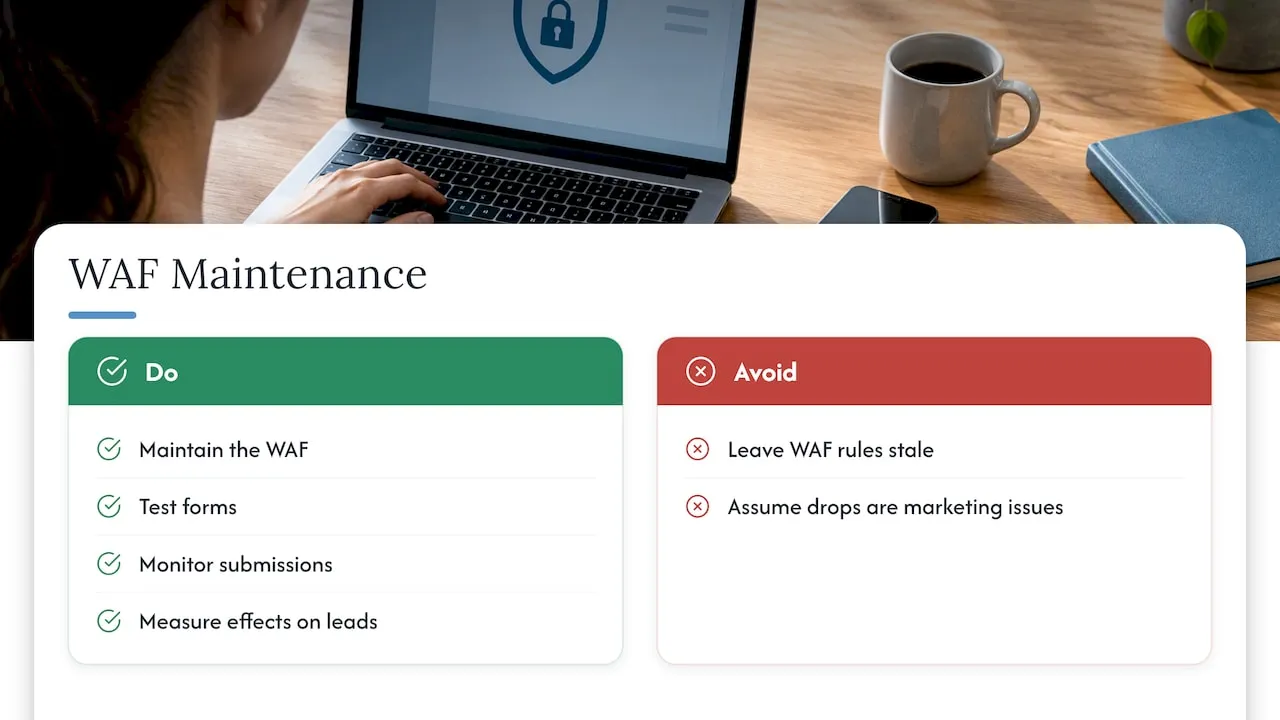
Second, a WAF is part of the lead pipeline. Every blocked request on a quote form is a lost lead. Our background is in enterprise CRM and lifecycle systems, where lost data is measured in revenue. We apply the same discipline here: test the forms, monitor submissions, and treat a drop in conversions as a possible security-rule problem before assuming it is a marketing problem.
The practical rule: choose the WAF that your team or provider will actually maintain, and measure its effect on leads.
- Jeremy
Keeping a site protected after launch
A WAF, updates, backups and monitoring only help if someone is responsible for them. We offer website maintenance plans that cover performance and security upkeep: Managed Hosting at $99 per month, Webmaster at $250 per month and Performance Plus at $750 per month. If you are planning a new build and want security and lead capture designed in from the start, see our web design and development services.
FAQ
What is a WAF in simple terms?
A WAF is a filter for website traffic. It reads each web request and blocks the ones that match known attack patterns, such as SQL injection or cross-site scripting. It works at the application layer, so it sees the content of requests that a network firewall would let through.
Is a WAF the same as a regular firewall?
No. A network firewall controls which connections are allowed, using IP addresses, ports and protocols. A WAF inspects the content of HTTP/S requests. Most sites need both, because they cover different layers.
Can a WAF block legitimate customers?
Yes. This is called a false positive, and it is the main operational challenge of running a WAF. Start in log-only mode, test your forms, keep exclusions documented and review them on a schedule.
Do I still need to patch my website if I have a WAF?
Yes. A WAF can block known exploit patterns while you prepare an update, but it can also mask a flaw from scanners without fixing it. Patch the CMS, plugins and server software, and use the WAF as an added layer.